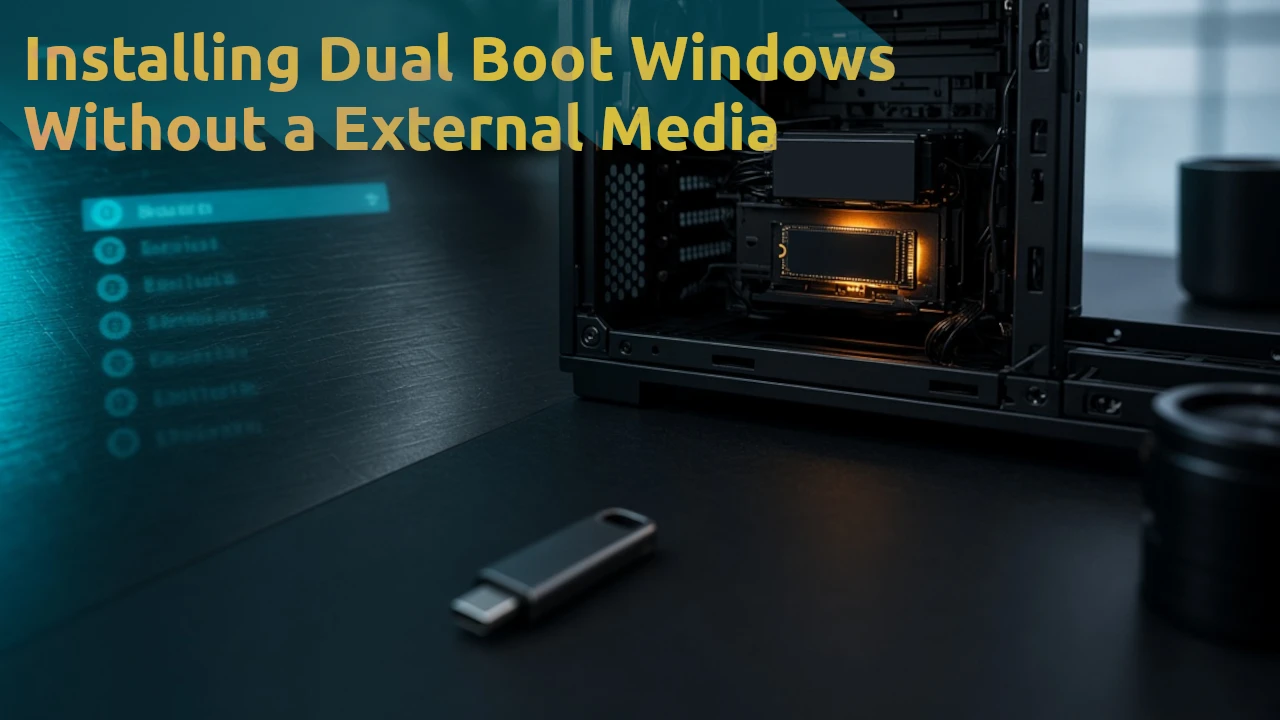
I needed Windows on my desktop. I had a USB-C flash drive, but the adapter did not work with the case, so I could not plug it in. I bought USB-C in the first place because I normally use a Mac. The machine was already running Bazzite.
So I installed Windows without USB.
The only storage in the case was a 500 GB NVMe SSD. It had three partitions: GRUB, Bazzite boot, and Bazzite system. The last one took almost the whole disk. In GNOME Disks I shrank the Bazzite system partition so about 130 GB was free at the end of the drive. I took the first 10 GB of that free space and formatted it FAT32.
I downloaded the Windows ISO from Microsoft, mounted it, and started copying the contents onto that 10 GB partition. The ISO is about 8.5 GB, so there would still have been roughly 1.5 GB left. Mid-copy it died because one file is larger than 4 GB, and FAT32 cannot store that. I reformatted the same 10 GB as NTFS and copied again. That worked.
BIOS would not treat that partition as bootable. GRUB could. I added a custom entry to /etc/grub.d/40_custom:
menuentry "Windows Setup" {
    insmod part_gpt
    insmod ntfs
    search --no-floppy --set=root --file /efi/boot/bootx64.efi
    chainloader /efi/boot/bootx64.efi
}
Then updated GRUB:
sudo grub2-mkconfig -o /boot/grub2/grub.cfg
On Bazzite this is the same idea as:
ujust regenerate-grub
Rebooted, picked the new entry in GRUB, and the installer started.
Unlike Linux, Windows did not see the PCIe Wi-Fi card — that is the only way this box gets on the network — so I skipped the network requirement and continued. After install I would still need drivers, so I went back to Bazzite first.
To identify the card:
lspci -nnk | grep -A3 -i net
I downloaded the drivers on Bazzite and dropped them into the leftover ~1.5 GB on the NTFS install partition.
To boot the installed Windows instead of the setup media, I removed the custom setup entry from /etc/grub.d/40_custom and regenerated GRUB again:
sudo os-prober
sudo grub2-mkconfig -o /boot/grub2/grub.cfg
or just:
ujust regenerate-grub
os-prober saw Windows and added it to the menu. Reboot, pick Windows from GRUB, install the drivers from what Windows mounted as the D: drive.
Last step: back in Bazzite I deleted the 10 GB NTFS partition and grew the Bazzite system partition back over that space.
That was the whole thing. Dual-boot Windows, no USB.