
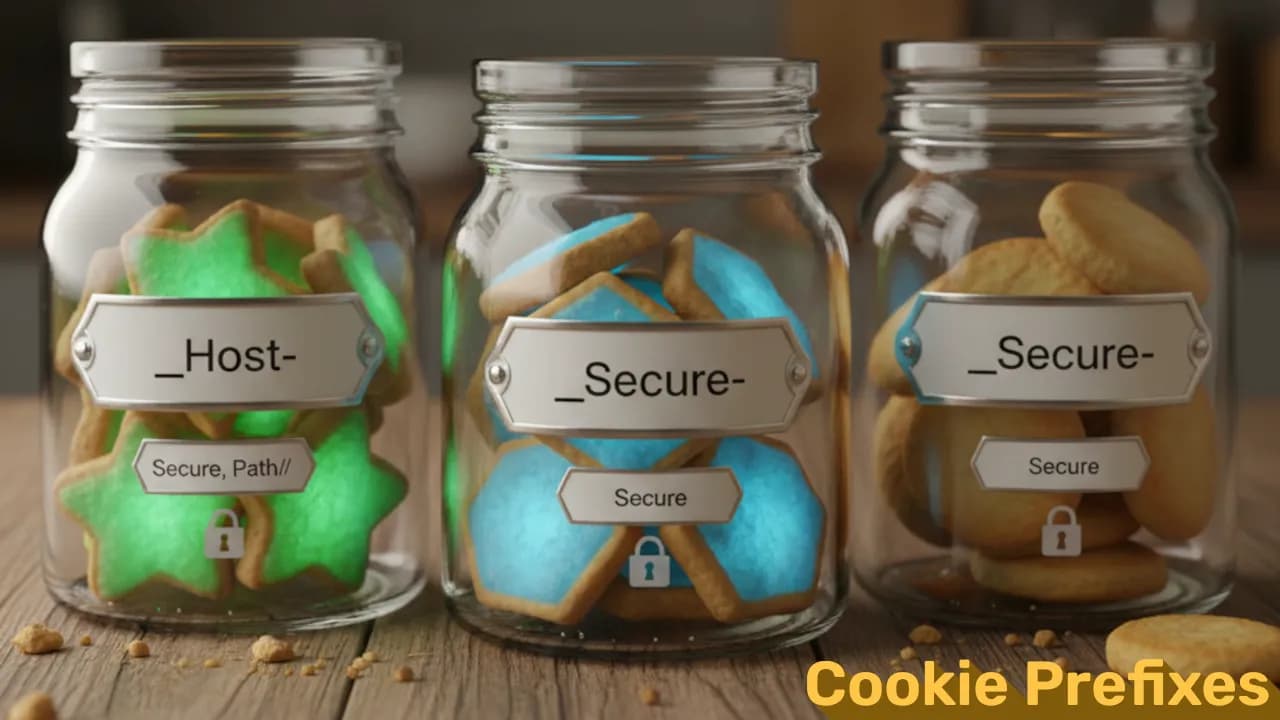
Modern web apps rely heavily on cookies for sessions, preferences, and authentication. But cookies are also a common attack surface, especially in XSS and session hijacking scenarios. To reduce risk, browsers support special cookie prefixes that enforce security rules automatically: __Secure- and __Host-.
If you’re building anything that handles user accounts, tokens, or sessions, these prefixes are your friends.
What Cookie Prefixes Are
A cookie prefix is simply a naming convention. When a cookie starts with __Secure- or __Host-, the browser expects it to follow certain rules. If the rules aren’t met, the browser refuses to set the cookie.
This adds an extra layer of protection that developers can’t accidentally misconfigure.
__Secure- Cookie Prefix
What it requires:
- Must be set over HTTPS
-
Must include
Secureflag
That’s it. Browsers will block the cookie if it’s set over HTTP or without Secure.
Why it matters:
Secure ensures the cookie is never leaked over plaintext connections. Combined with HTTPS, it protects session cookies from basic network sniffing and MITM attacks.
Example:
httpSet-Cookie: __Secure-sessionId=abc123; Secure; HttpOnly; Path=/; SameSite=Lax
__Host- Cookie Prefix
__Host- is the strictest cookie prefix. Think of it like a hardened version of __Secure-.
What it requires:
- Must be set over HTTPS
-
Must include the
Secureflag -
Must NOT include a
Domainattribute -
Path must be
/
Why these rules matter
- No Domain attribute → cookie is locked to the exact host that set it. No subdomains, no shared cookies, no unintended scope.
- Path=/ → full-site cookie, avoids tricky path scoping issues.
-
Secure+HTTPS → same protection as
__Secure-.
This makes it ideal for:
- Session cookies
- CSRF tokens
- Authentication state
- Anything you never want a subdomain to mess with
Example:
httpSet-Cookie: __Host-authToken=xyz789; Secure; HttpOnly; Path=/; SameSite=Strict
If you try to add Domain=example.com, browsers will reject it. That’s the whole point.
When to Use Which?
Use __Secure- when:
- You want extra safety but still need domain scoping
- You’re dealing with multi-subdomain setups
Use __Host- when:
- You’re setting a session cookie
- You want the highest protection level
- You want to prevent subdomain attacks
- You want to guarantee strict host-level isolation
For authentication, __Host- is the best choice.
SEO Angle: Why Search Engines Care
Search engines reward secure sites. Using cookie prefixes helps ensure:
- No mixed-content issues
- No insecure session handling
- Better Core Web Vitals from reduced browser warnings
- A cleaner security profile, which indirectly helps trust signals
Security → trust → stronger SEO.
Best Practices
-
Always combine prefixes with
HttpOnlyandSameSite - Avoid storing sensitive data directly in cookies
- Rotate session identifiers regularly
- Never set auth cookies from JavaScript
Prefixes help, but they don’t replace secure coding.
Final Thoughts
__Secure- and __Host- prefixes give you built-in safety nets against common cookie misconfigurations. They’re simple to use, harden your session management, and reduce the risk of accidental exposure.
If you handle logins or sessions, just use them - they’re basically free security.
Album of the blog: