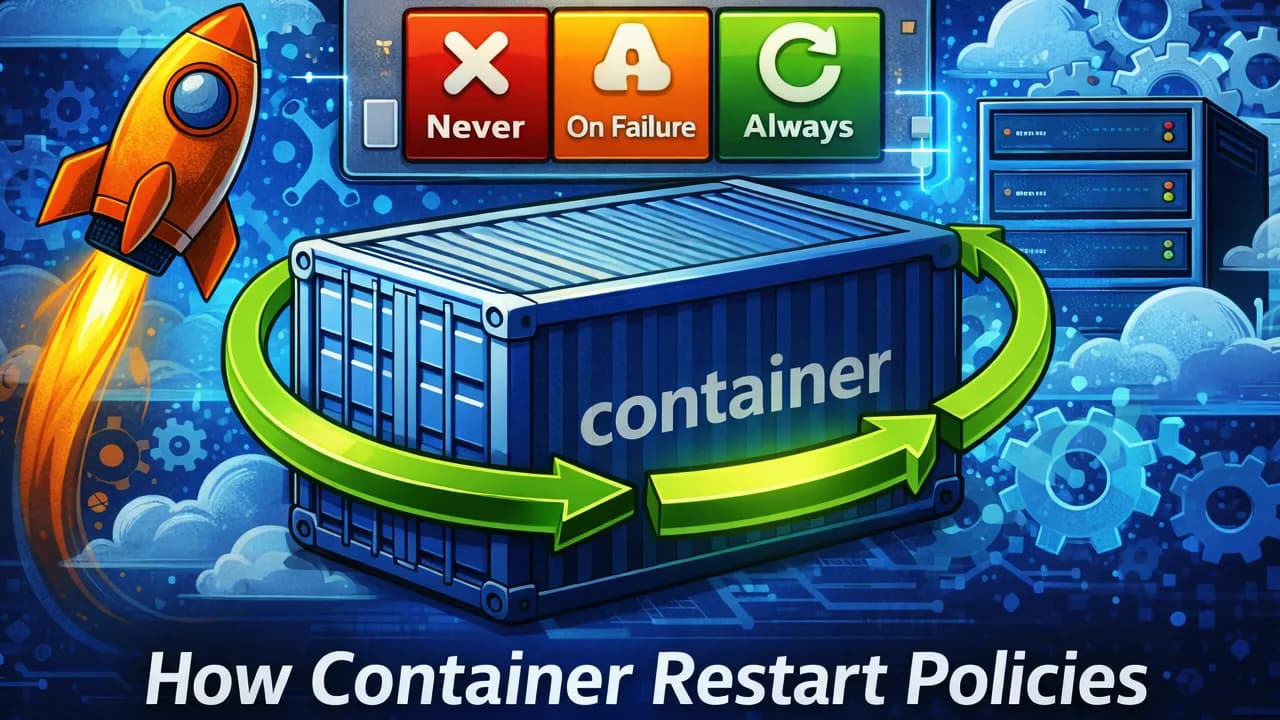
Container restart policies look simple on the surface. You set one flag and expect Docker or your orchestrator to “keep things running”.
In reality, restart behavior is rule-based, event-driven, and often misunderstood. Many production bugs come from assuming containers restart when they should, not when they’re allowed to.
Let’s clear this up.
What Is a Container Restart Policy?
A restart policy defines when a container should be restarted after it stops.
Key point:
Restart policies react to container exit events, not application health.
If your process is alive but broken, the policy does nothing.
The Core Restart Policies (Docker)
no (default)
- Container is never restarted
- Exit code doesn’t matter
Used for:
- One-off tasks
- Debug containers
always
- Restart whenever the container stops
- Survives Docker daemon restarts
Catches:
- Crashes
- Manual stops
- OOM kills
This is why docker stop + always feels “haunted”.
unless-stopped
-
Same as
always - Except when you manually stop it
After a daemon reboot:
- Manually stopped containers stay stopped
This is usually what people actually want.
on-failure[:max-retries]
- Restart only if exit code ≠ 0
- Optional retry limit
Does NOT restart on:
-
Clean exits (
exit 0) -
docker stop
Perfect for:
- Jobs
- Workers
- Batch processing
What Actually Triggers a Restart?
A restart happens only when the main process exits.
Common triggers:
- Unhandled panic / exception
- Segfault
- Process crash
- OOM kill (exit code 137)
-
Explicit
exit 1
Not triggers:
- Deadlocks
- Infinite loops
- App returning 500s
- Broken internal state
If PID 1 is alive, the container is “healthy”.
Exit Codes Matter More Than You Think
Restart logic is driven by exit codes.
Examples:
-
0→ success → no restart foron-failure -
1→ app error → restart -
137→ OOM kill → restart -
143→ SIGTERM → treated as a stop
If your app exits with 0 on fatal errors, you silently disable restarts.
Restart Policies vs Health Checks
These are not the same thing.
- Restart policy: reacts to process exit
- Health check: reports container state
A container can be:
- Running
- Unhealthy
- Never restarted
Unless your orchestrator wires health checks to restarts, nothing happens.
Docker alone will not restart an unhealthy container.
The PID 1 Problem
PID 1 behaves differently in containers.
Issues:
- Signals not forwarded
- Zombie processes not reaped
- App never exits when it should
Result:
- App is broken
- Container stays alive
- Restart policy never triggers
Solution:
- Proper signal handling
-
Or use an init process (
tini,--init)
Why Crash Loops Happen
Docker applies a restart backoff:
- First restart: immediate
- Subsequent restarts: increasing delay
- Eventually stabilizes at ~1 minute
So even with always, Docker won’t hammer your machine endlessly.
Still:
- Crash loops waste CPU
- Logs explode
- Root cause stays hidden
Restart policies mask failures — they don’t fix them.
Common Misconceptions
“Restart policy = self-healing”
Nope. It only handles process death, not broken logic.
“Health check failure restarts the container”
Not in plain Docker.
“Always is safest”
Usually wrong. unless-stopped is safer for humans.
“OOM won’t trigger a restart”
It will. OOM is just another crash.
Production Best Practices
-
Use
unless-stoppedfor long-running services -
Use
on-failurefor workers and jobs - Always set proper exit codes
- Add health checks, but don’t trust them alone
- Handle signals correctly
- Monitor restart counts — they’re a smell
The Mental Model
If this sentence sticks, you’re good:
Containers restart when PID 1 exits, not when your app misbehaves.
Everything else follows from that.
Album of the blog: