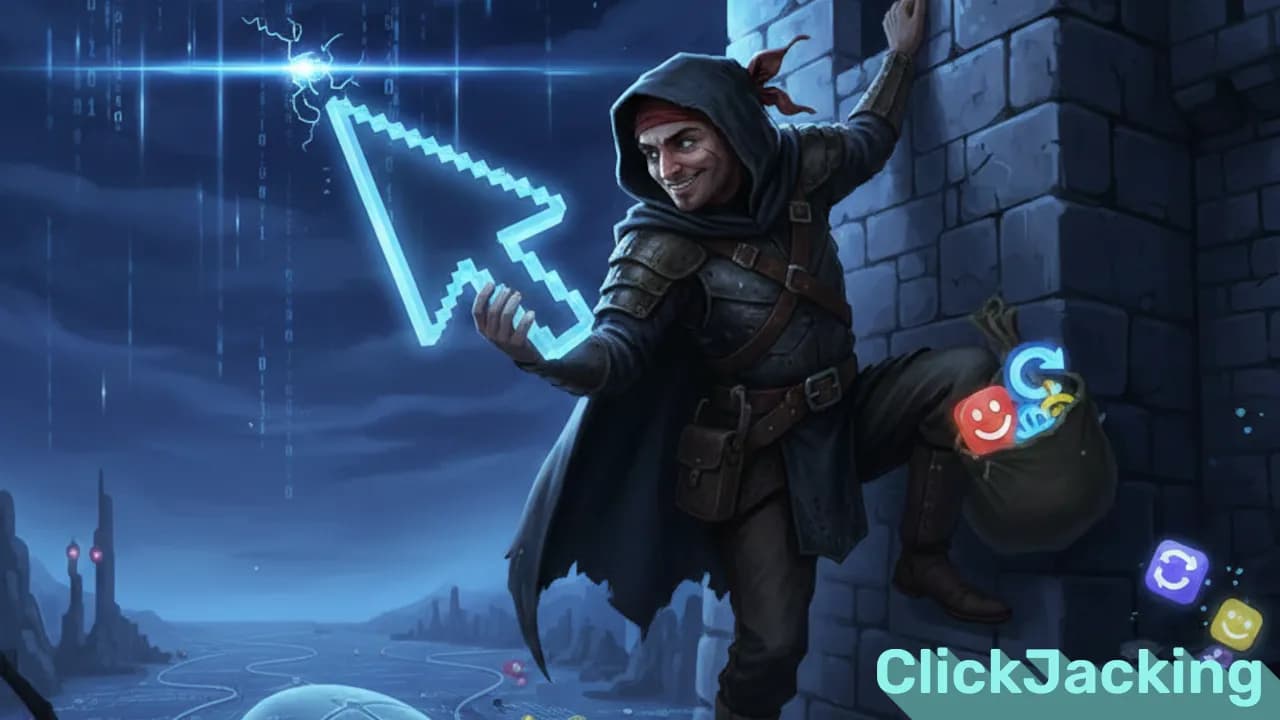
Clickjacking is a sneaky web attack where a user clicks on something they can see, but the real click lands on something completely different. The attacker overlays an invisible or disguised element on top of the UI, tricking the user into performing actions they never intended.
Imagine clicking “Play” on a video, but behind that button there’s an invisible “Buy” or “Send Money” button. That’s clickjacking in a nutshell.
How Clickjacking Works
The attacker usually:
- Loads your site inside an iframe
- Makes the iframe transparent
- Aligns it on top of a fake UI
- Waits for the user to click
The user thinks they’re interacting with the visible UI, but their click is actually captured by the attacker’s hidden frame.
Why Clickjacking Is Dangerous
- Can trigger unauthorized actions
- Can change user settings
- Can force likes, shares, follows
- Can submit forms
- Can initiate payments
- Happens silently - the user almost never notices
This is why every modern web app should defend against it.
How to Prevent Clickjacking
Luckily, prevention is straightforward. Here are the best methods:
1. X-Frame-Options Header
A classic defense that tells the browser where your site can be embedded.
-
DENY→ Block all iframes -
SAMEORIGIN→ Allow only from the same origin -
ALLOW-FROM <url>→ Allow only a specific site
Example:
X-Frame-Options: SAMEORIGIN
2. Content-Security-Policy: frame-ancestors
A more modern and flexible solution. Works even where X-Frame-Options struggles.
Content-Security-Policy: frame-ancestors 'self';
Or allow specific trusted domains:
Content-Security-Policy: frame-ancestors 'self' https://trusted.com;
This is currently the recommended standard.
3. Frame Busting (Deprecated)
Old-school JavaScript like:
jsif (window.top !== window.self) {
window.top.location = window.self.location;
}
Modern browsers and security rules don’t rely on this anymore. Avoid it.
4. Add Confirmation Steps for Sensitive Actions
Even if an iframe slips through, you can block the damage:
- Confirmation dialogs
- “Re-enter password” screens
- CAPTCHA requirements
These are extra layers - not the main shield.
Recommended Best Practice
Use CSP frame-ancestors and X-Frame-Options together.
That combo covers modern browsers and older ones at the same time.
Final Thoughts
Clickjacking is simple to execute but dangerous if you leave your site unprotected. Adding a couple of headers drastically reduces the risk and protects your users from invisible UI manipulation.
If you run a dashboard, CMS, checkout page, or anything with authenticated actions, these protections aren’t optional - they’re essential.
Album of the blog: