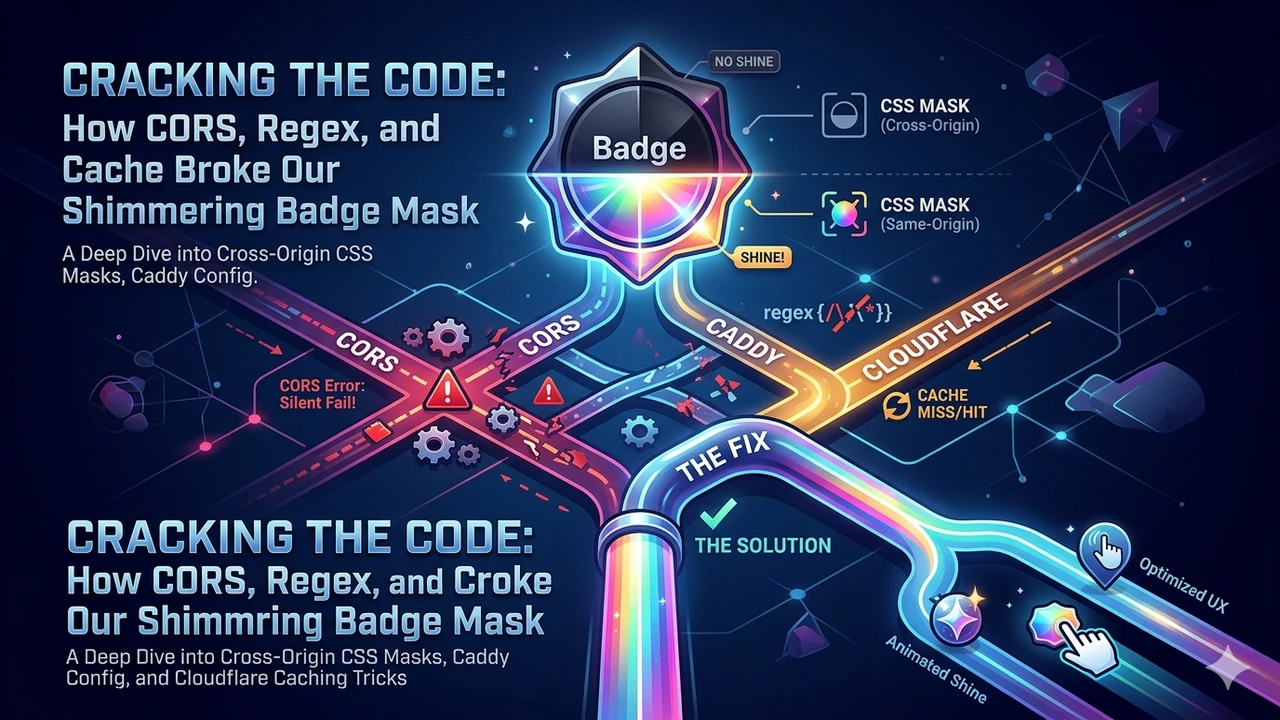
I had built a badge preview modal. On top of the badge, there was a sleek, glossy "foil" effect that glided across the surface as the cursor moved—completely functional and looking sharp... until the badge image started coming from a media subdomain. Same code, same badge; the only difference was the URL pointing to media. instead of app.. The gloss effect suddenly vanished.
This post is the story of chasing down that missing shimmer across three overlapping layers: CORS, a misplaced regex dot, and Cloudflare caching. The fix is a single line, but the journey to get there is quite an interesting ride.
The Symptom
Two elements are rendered inside the badge modal:
- The badge itself via an
<img>tag. - A gloss layer on top, masked by the badge's silhouette.
<img src={badge.src} ... />

<div
  ref={shineRef}
  style={{
    mixBlendMode: 'screen',
    background: 'linear-gradient(100deg, transparent 38%, rgba(255,255,255,0.85) 50%, transparent 62%)',
    WebkitMaskImage: `url("${badge.src}")`,
    maskImage: `url("${badge.src}")`,
  }}
/>
Frontend badges (/assets/badges/...) are same-origin, and the gloss effect works perfectly. Badges fetched from the backend come from media.example.com—and the gloss disappears. The <img> renders fine, but the mask remains completely empty.
The Why: Cross-Origin Masks Require Clean CORS
An <img src> tag does not need CORS approval to simply display a cross-origin image; the browser renders it but blocks access to its underlying pixel data. However, mask-image: url(...) operates differently. Masking shapes content using the alpha channel of an image. Because this process could theoretically leak pixel data, browsers strictly enforce that masks must be CORS-clean.
In other words, if a cross-origin image arrives without an Access-Control-Allow-Origin header, the browser refuses to use it as a mask. It drops it silently. No error messages, a completely clean console—the effect just doesn't show up.
My media server wasn't sending a CORS header. The initial fix seemed obvious: add CORS to the server.
Attempted Fix 1: Adding CORS to Caddy
The media server uses Caddy under the hood. The first instinct is to throw in Access-Control-Allow-Origin: *:
header Access-Control-Allow-Origin "*"
However, * opens the asset to the entire web. Even though the badge images are public, I wanted to restrict access exclusively to my own domains. The CORS specification dictates that Access-Control-Allow-Origin must be **either a single origin or ***—you cannot pass a comma-separated list. The correct approach is to reflect the incoming Origin header based on an allowlist:
@cors header_regexp Origin "^https://(app|api|www\.)?example\.com$"
header @cors Access-Control-Allow-Origin "{http.request.header.origin}"
header @cors Vary Origin
The @cors matcher triggers if the Origin header matches the regex; if it doesn't (such as third-party sites), no header is appended. I reloaded the server configuration and refreshed the browser.
Still broken. The console read:
Cross-Origin Request Blocked... (Reason: CORS header 'Access-Control-Allow-Origin' missing)
Attempted Fix 2: Verifying the Origin (Bypassing CF Cache)
First, I needed to isolate Cloudflare. The response returned a cf-cache-status: HIT with no ACAO header present. Cloudflare could have been serving a cached copy stripped of headers. To check what the origin server was actually returning, I ran a curl request with a cache-busting query parameter:
curl -sI -H "Origin: https://app.example.com" \
  http://localhost:8090/uploads/badges/1781706962619884531.webp
The output:
Vary: Origin
Vary: Accept-Encoding
Vary: Origin was present (meaning the new config was deployed and running), but Access-Control-Allow-Origin was missing. This meant the @cors matcher wasn't matching. Why?
Plot Twist 1: The Missing Dot in the Regex
Take a look closer at the regex pattern:
^https://(app|api|www\.)?example\.com$
The literal dot was only escaped next to www\.. The app and api alternatives lacked trailing dots. Consequently, this regex matched https://appexample.com (no dot!) but failed on https://app.example.com. Every subdomain pattern needs to include its own dot:
@cors header_regexp Origin "^https://(api\.|app\.|www\.)?example\.com$"
Reloaded Caddy and ran the curl again:
Access-Control-Allow-Origin: https://app.example.com
Vary: Origin
Vary: Accept-Encoding
The header was finally there. It should have worked now.
Still broken.
Plot Twist 2: Conditional Vary + Cloudflare Caching
The response coming through was still a cf-cache-status: HIT lacking the ACAO header. But now the root cause made sense: I had placed the Vary header inside the conditional @cors block. This meant it was only sent during requests containing an Origin header.
However, the badge is also loaded normally via a standard <img> tag. These standard image requests carry no Origin header, meaning the matcher skipped them. As a result, a response containing **neither ACAO nor Vary: Origin** was cached by Cloudflare. When the frontend later made a CORS fetch request from app., Cloudflare simply served that exact same headerless cached copy.
The fix: make the Vary header unconditional so that the CDN splits its cache keys by origin properly:
header Vary Origin
@cors header_regexp Origin "^https://(api\.|app\.|www\.)?example\.com$"
header @cors Access-Control-Allow-Origin "{http.request.header.origin}"
After deploying this, I purged the Cloudflare cache again (the previous purge occurred when the origin wasn't sending ACAO, causing Cloudflare to immediately recache the headerless response).
And... it worked. 🎉
Key Takeaways
<img>andmask-imagefollow entirely different rules. Cross-origin images display easily inside an image tag but fail silently when used as a mask unless they are CORS-compliant. There are no console warnings. If an image renders fine but its masking effect is completely missing, look at CORS first.- CORS allowlists only return a single origin. To support multiple subdomains, parse and validate the incoming
Originheader against a regex pattern, then echo it back. Avoid resorting to*. - Watch the literal dots in your regex. Writing
(app|www\.)matcheswww.but breaks onapp.. Ensure every alternative explicitly contains its dot:(app\.|www\.). A tiny omission here can break logic silently. - Keep
Vary: Originunconditional. If you are enabling CORS behind a CDN, include theVary: Originheader on all responses, not just successful CORS matches. Otherwise, a cached non-CORS response will poison subsequent CORS requests. - Always verify by bypassing the cache layer. When debugging a breakdown, determine whether the failure resides at the origin or the CDN layer. Force a cache miss using
?nocache=$(date +%s)to inspect exactly what your origin server outputs.
Three infrastructure layers, three separate bugs, one single symptom. Cross-origin CSS masking looks like magic initially, but it behaves completely logically once you map out the CORS rules, proper regex escaping, and CDN caching behaviors.